Latest Updates
Absolute Batman - Hush [Second Hand] now available pre-owned.
Absolute Green Lantern Rebirth (HC) [Second Hand] now available pre-owned.
Hannah Montana: Rock Out The Show (PSP Essentials) now available pre-owned.
KnightFall500 has just posted to What was the last game you finished?
KnightFall500 has just posted to What was the last game you finished?
KnightFall500 has just posted to Games with no threads: News and Trailers
KnightFall500 has just posted to Games with no threads: News and Trailers
Tea has just liked Review: Fire Emblem: Fortune's Weave
Who's Online
Guests: 244, Members: 8

Please sign in to add comments
10 October at 12:31
10 October at 11:39
09 October at 16:07

09 October at 15:22
09 October at 14:36
09 October at 14:18
09 October at 14:04
09 October at 13:24
09 October at 13:11
09 October at 13:06
Cart Contents
| Item: | Price: | Qty: |
|---|---|---|
| Total: R 0.00 | ||
User Content
Latest Poll
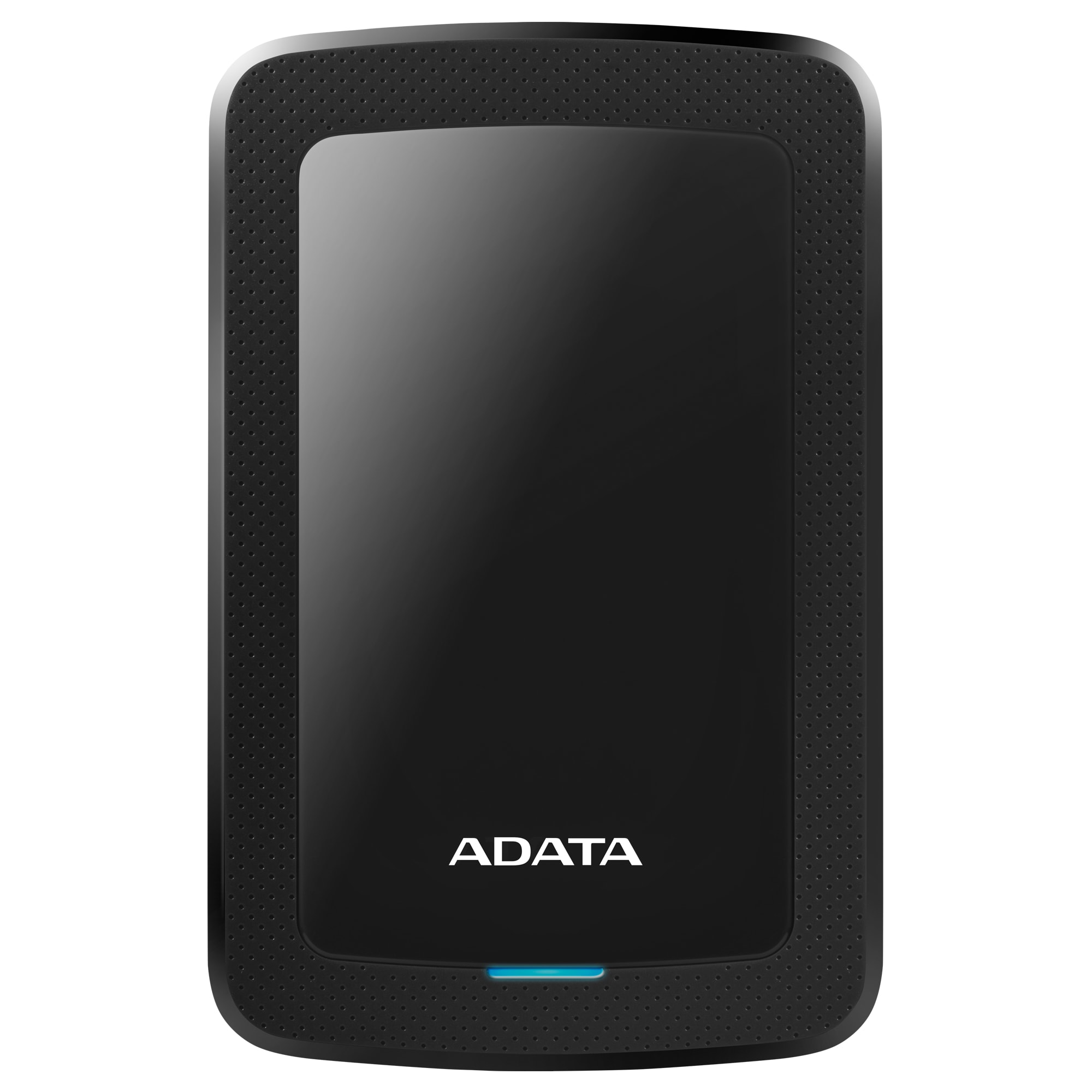
Adata HV300 Series 2TB USB 3.2 Portable Drive - Black
Sold Out
R 1,535.00
R 143.00 / month on credit ( what is this? )
Adata HV300 Series 2TB USB 3.2 Portable Drive - Black
R 143.00 / month on credit ( what is this? )Description
Adata HV300 Series 2TB USB 3.2 Portable Drive - Black
Measuring in at just 10.3 mm thick the ADATA HV300 external hard drive is as thin as they come. It slips easily into the pockets of briefcases and backpacks, making it ideal for people on the move. On the inside, it packs up to 5 TB of storage, so it’s got plenty of space for all your media and everything else.
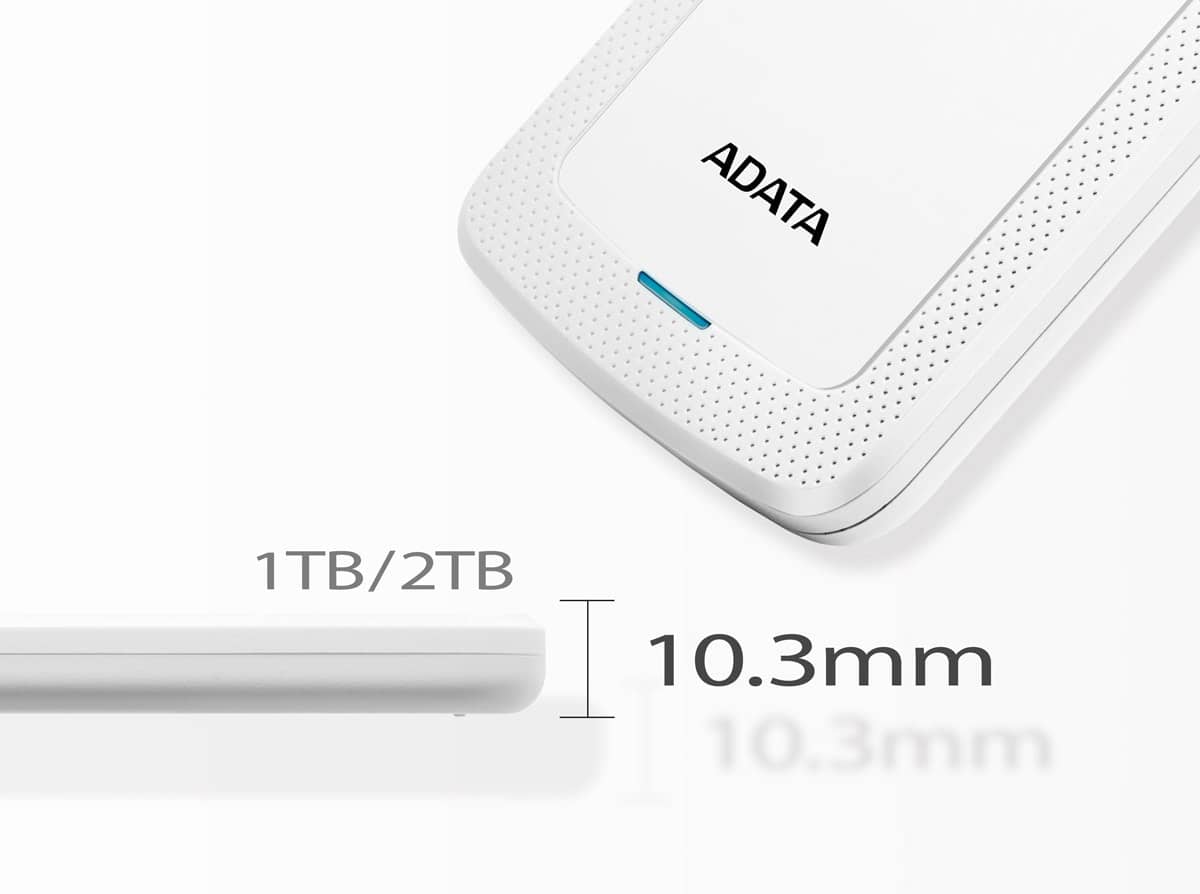
Stylishly svelte
Just when you thought an HDD couldn’t get any thinner, it does. The 2 TB variant of the HV300 sports a super-slim 10.3 mm profile that will be pleasing to your eyes and equally satisfying to grasp in your hands.
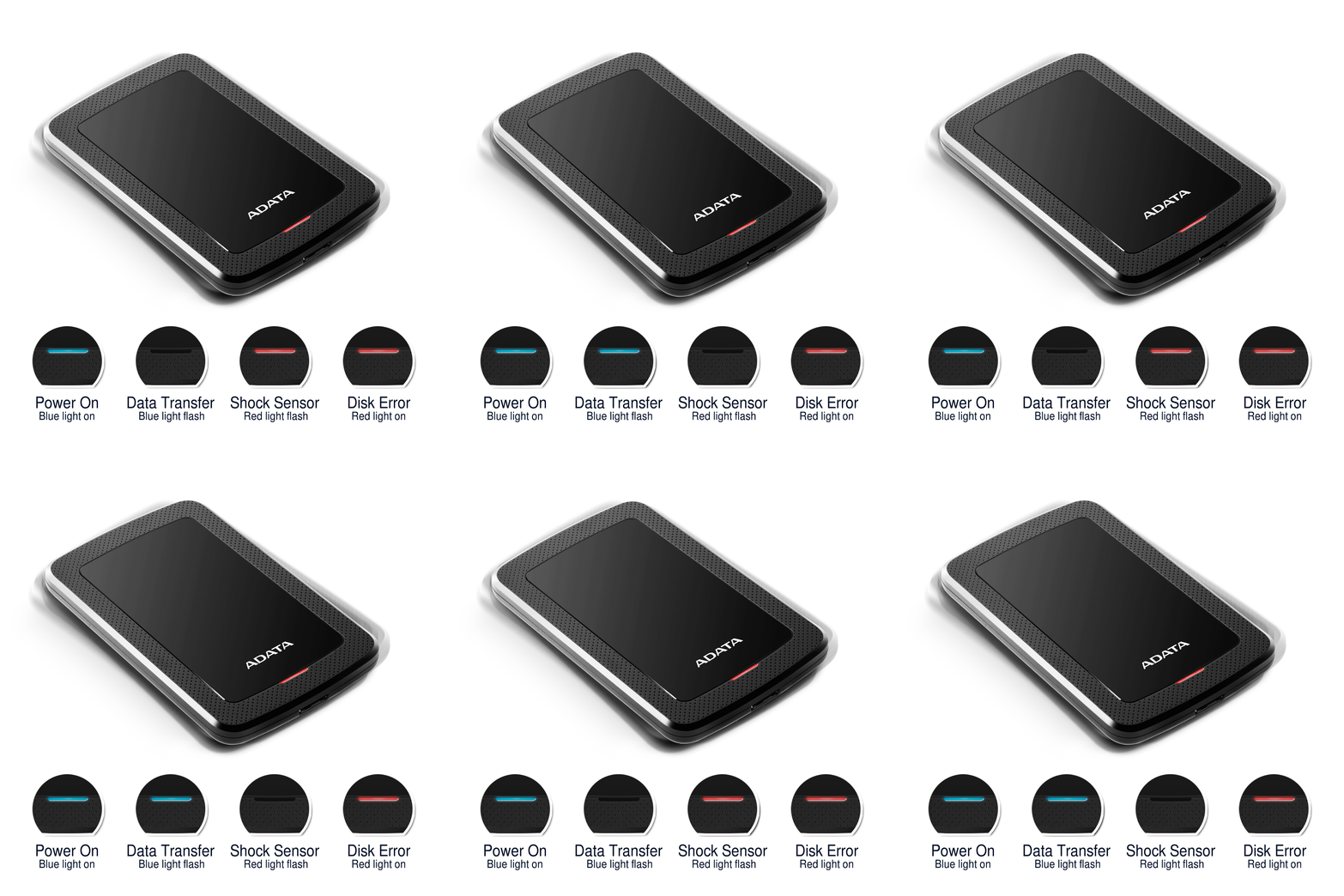
Keep errors and bad sectors at bay
Lesser external drives continue to work even when dropped or encounter a shock, resulting in errors and bad sectors. With ADATA’s proprietary shock sensors, all drive activity will cease when a physical shock is detected. Once in the clear, activity resumes. You're kept fully informed with a clear status indicator.
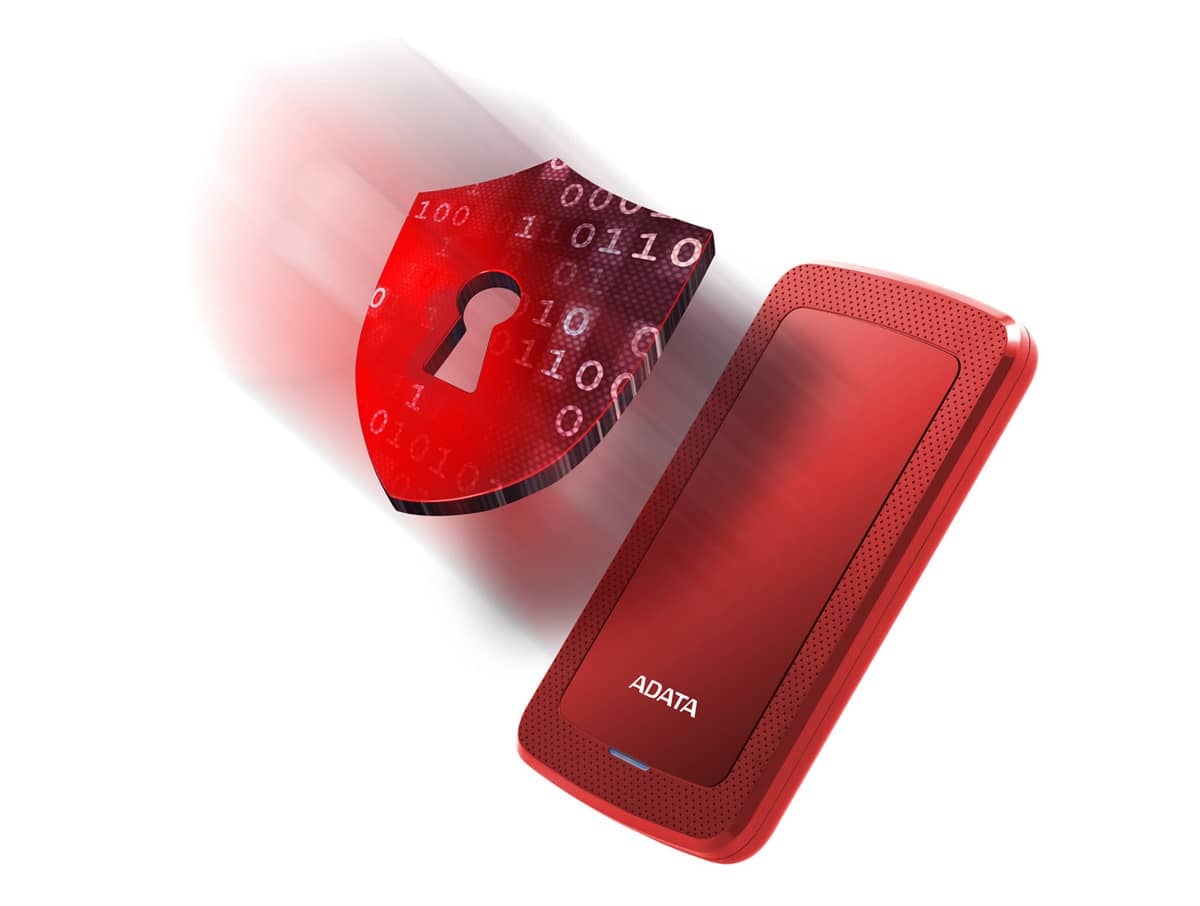
Keep data safe with AES encryption
HDDtoGO software with AES-256 bit encryption keeps your important data safe from prying eyes. It can work without a CPU so it doesn’t affect hardware performance.
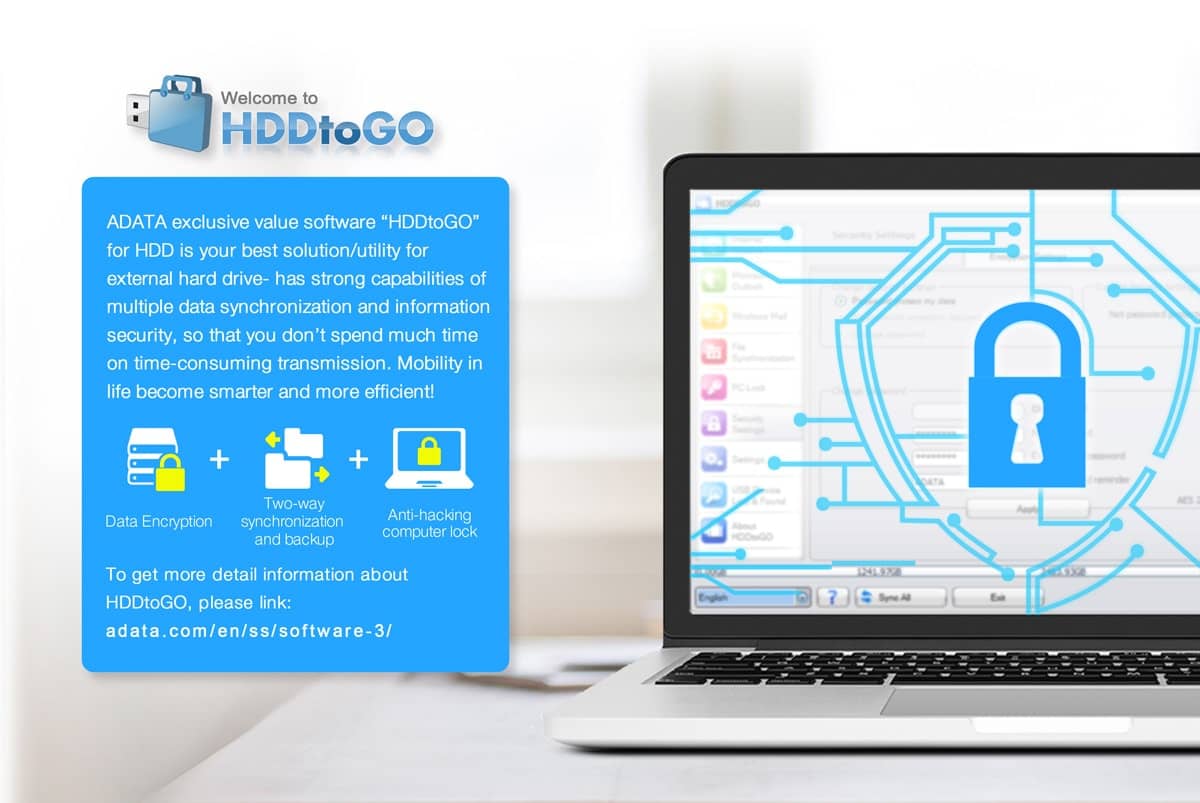
Proprietary HDDtoGO Data Management Software
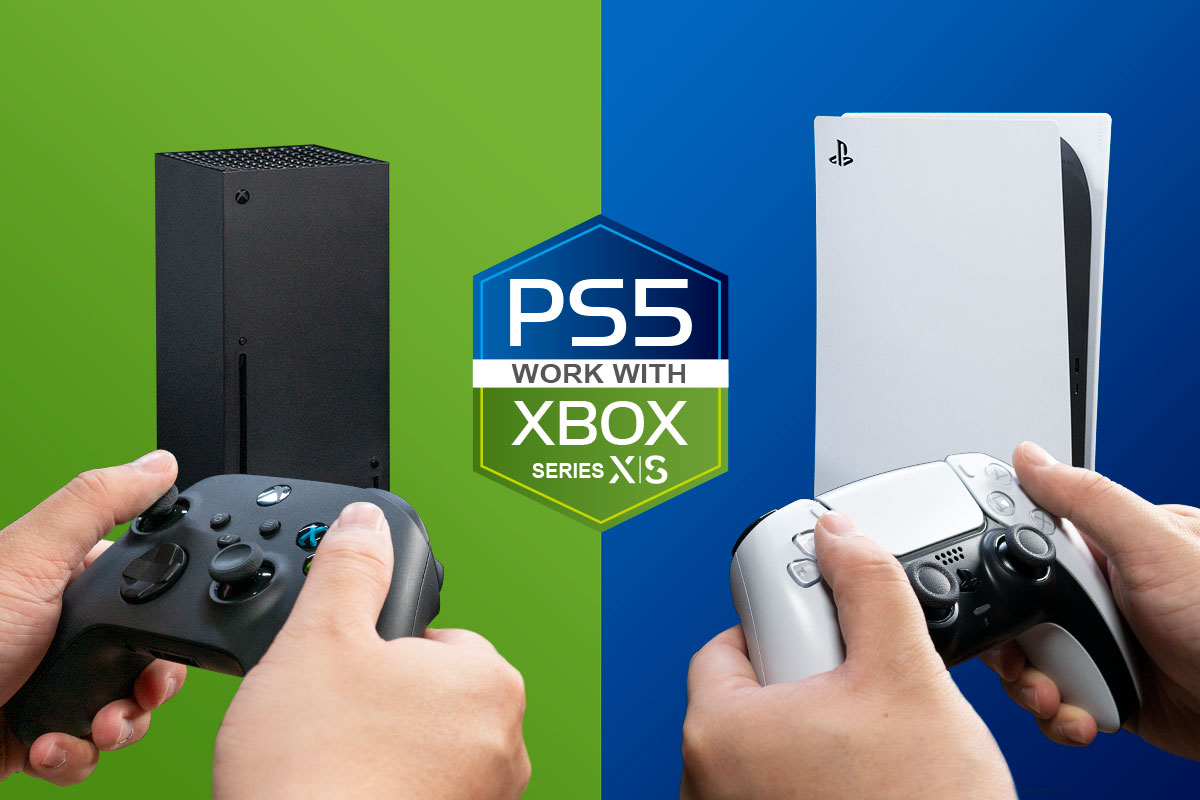
Use it with Your Game Console
The HV300 can be connected to game consoles and be used as backup storage for games that are not currently being played.
* Actual loading times may vary depending on the game. Reformatting may be required for the external SSD to work with game consoles.
2TB
Color
Black
Dimensions (L x W x H)
2TB : 125.7 x 80.5 x 10.3mm / 4.9 x 3.2 x 0.4inch
Weight
2TB : 133g / 4.7oz
Interface
USB 3.2 Gen1 (backward compatible with USB 2.0)
Texture
Plastic
Operating Temperature
5 – 50°C / 41 – 121°F
Operating Votage
USB DC 5V
Power consumption
N/A
System requirements
Windows 7 / 8 / 8.1 / 10,
Mac OS X 10.6 or later (reformatting required for use),
Linux Kernel 2.6 or later
Accessories
USB 3.2 Gen1 cable; Quick Start Guide
Warranty
3 years
Note
1. HDDtoGo free software only compatible with Windows.
2. Compatibility with specific host devices may vary and could be affected by system environment.
3. Connecting via USB 2.0 requires plugging in to two USB ports for sufficient power delivery. A USB Y-cable will be needed.
4. Please note that USB 3.0, USB 3.1 Gen1, and USB 3.2 Gen1 are in fact the same specification and feature the same exact performance capabilities. The USB Implementers Forum (USB-IF) recently rebranded USB 3.1 Gen1 to USB 3.2 Gen1 . For more information about the change, please visit the USB-IF website at www.usb.org.
5. For use with macOS devices, reformatting is required. Please click here to learn more.
Measuring in at just 10.3 mm thick the ADATA HV300 external hard drive is as thin as they come. It slips easily into the pockets of briefcases and backpacks, making it ideal for people on the move. On the inside, it packs up to 5 TB of storage, so it’s got plenty of space for all your media and everything else.
FEATURES
Stylishly svelte
Just when you thought an HDD couldn’t get any thinner, it does. The 2 TB variant of the HV300 sports a super-slim 10.3 mm profile that will be pleasing to your eyes and equally satisfying to grasp in your hands.
Keep errors and bad sectors at bay
Lesser external drives continue to work even when dropped or encounter a shock, resulting in errors and bad sectors. With ADATA’s proprietary shock sensors, all drive activity will cease when a physical shock is detected. Once in the clear, activity resumes. You're kept fully informed with a clear status indicator.
Keep data safe with AES encryption
HDDtoGO software with AES-256 bit encryption keeps your important data safe from prying eyes. It can work without a CPU so it doesn’t affect hardware performance.
Proprietary HDDtoGO Data Management Software
Use it with Your Game Console
The HV300 can be connected to game consoles and be used as backup storage for games that are not currently being played.
* Actual loading times may vary depending on the game. Reformatting may be required for the external SSD to work with game consoles.
TECHNICAL SPECS
Capacity2TB
Color
Black
Dimensions (L x W x H)
2TB : 125.7 x 80.5 x 10.3mm / 4.9 x 3.2 x 0.4inch
Weight
2TB : 133g / 4.7oz
Interface
USB 3.2 Gen1 (backward compatible with USB 2.0)
Texture
Plastic
Operating Temperature
5 – 50°C / 41 – 121°F
Operating Votage
USB DC 5V
Power consumption
N/A
System requirements
Windows 7 / 8 / 8.1 / 10,
Mac OS X 10.6 or later (reformatting required for use),
Linux Kernel 2.6 or later
Accessories
USB 3.2 Gen1 cable; Quick Start Guide
Warranty
3 years
Note
1. HDDtoGo free software only compatible with Windows.
2. Compatibility with specific host devices may vary and could be affected by system environment.
3. Connecting via USB 2.0 requires plugging in to two USB ports for sufficient power delivery. A USB Y-cable will be needed.
4. Please note that USB 3.0, USB 3.1 Gen1, and USB 3.2 Gen1 are in fact the same specification and feature the same exact performance capabilities. The USB Implementers Forum (USB-IF) recently rebranded USB 3.1 Gen1 to USB 3.2 Gen1 . For more information about the change, please visit the USB-IF website at www.usb.org.
5. For use with macOS devices, reformatting is required. Please click here to learn more.
You might also like


